

Two people can keep a secret if one is dead, or so goes the saying. But what happens when you share the details of your life with an AI agent?
Unfortunately, data can’t die the same way humans do—especially so if Meta Muse is involved. Choose it as your AI executive assistant and you may end up revealing more of your personal life than intended.
Welcome to Safe Mode, your weekly report for pressing security and privacy news—and what steps to take next. Want this newsletter to come directly to your inbox? Sign up on our website!
Letting an AI agent work autonomously on multi-step tasks (like booking travel, making purchases, and even offering suggestions based on your plans) offers a deep view into your world. It requires direct access to connected services like your email account, too. But Meta doesn’t keep all of this information strictly private. By default, it trains its AI on your Muse data.
Deleting data also isn’t a complete wipe, either. Nuke a conversation or another interaction, and Muse could still retain info related to it. Meta describes this as “Muse may still remember information it learned from what you deleted.”
Meta says in its privacy policy that training data is anonymized, disconnected from the original users and scrubbed of personally identifiable details like names, Social Security Numbers, email addresses, and phone numbers. You can also ask Muse what it recalls about you—or go on an excavation tour of various Muse files, to see what still lingers after initial data deletion.
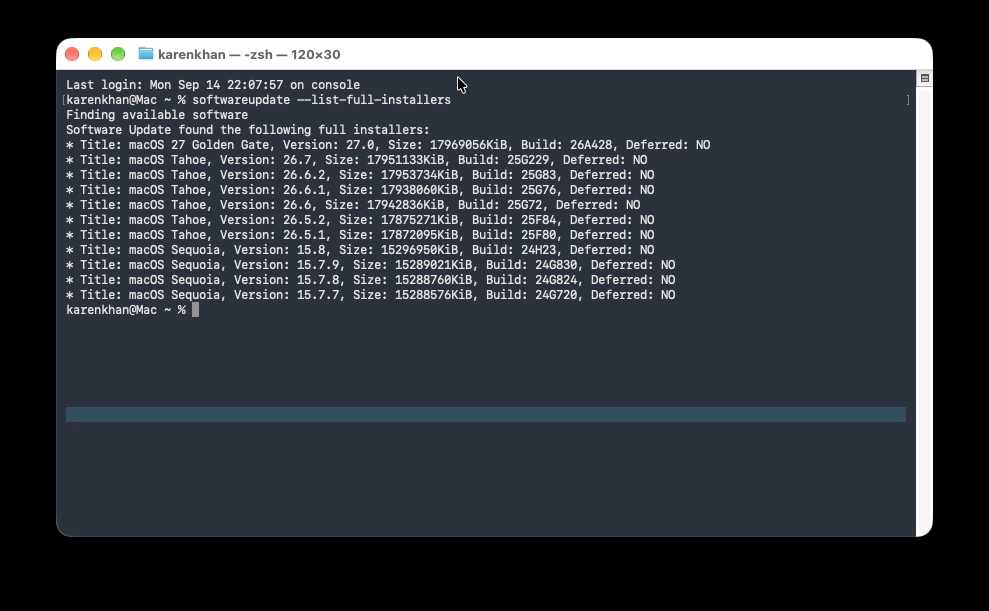
In a vacuum, this approach may have worked as a reassurance. But we live in the real world, where mistakes happen. Mistakes like a zero-day exploit that gave macOS apps and terminal commands access to Muse (and all its connected services), discovered just a couple of weeks after Muse’s launch. Or Muse allegedly gaining access to private messages, due to configuration settings in macOS that can allow the AI agent to see data in other apps
Foundry
I have similar feelings as the security researcher who discovered the zero-day—I recommend not installing Muse on devices, particularly macOS. But I’d go one step further and caution against using Muse all together for now.
Why? You don’t need to sacrifice your privacy or security to be a beta tester. (Yes, beta tester. For a service marketed as “built for everyone,” I’d expect it to be far more private and secure. An everyday person will not be reading privacy policies or following cybersecurity news the way I do.)
Instead, wait for Meta’s Muse Confidential VM to launch. Right now, each Muse agent has its own virtual machine on Meta’s servers. Theoretically, this type of configuration should prevent Muse agents from reading data being stored or handled within other virtual machines. In practice, we already know that virtual machines are not bulletproof (their isolation from one another can fail). We also know that AI agents made by rival companies like Anthropic and OpenAI have escaped their sandboxes more than once.
Muse Confidential VM adds encryption as an extra layer of defense. Meta says such virtual machines and all their data will be “encrypted with a key only they hold, so not even Meta can access it.” If you’re going to hand your life over to an AI agent, keeping its developer (and any agents sharing your server) from reading your data is a smart move.
I’m wary of Meta and AI agents both individually and combined—for good reason. Meta of course has its history of playing fast and loose with user data, but AI agents are even more unpredictable. Hacking into the Australian government? Uploading user images to third-party sites? All in a day’s work.
Aerps.com / Unsplash
Microsoft
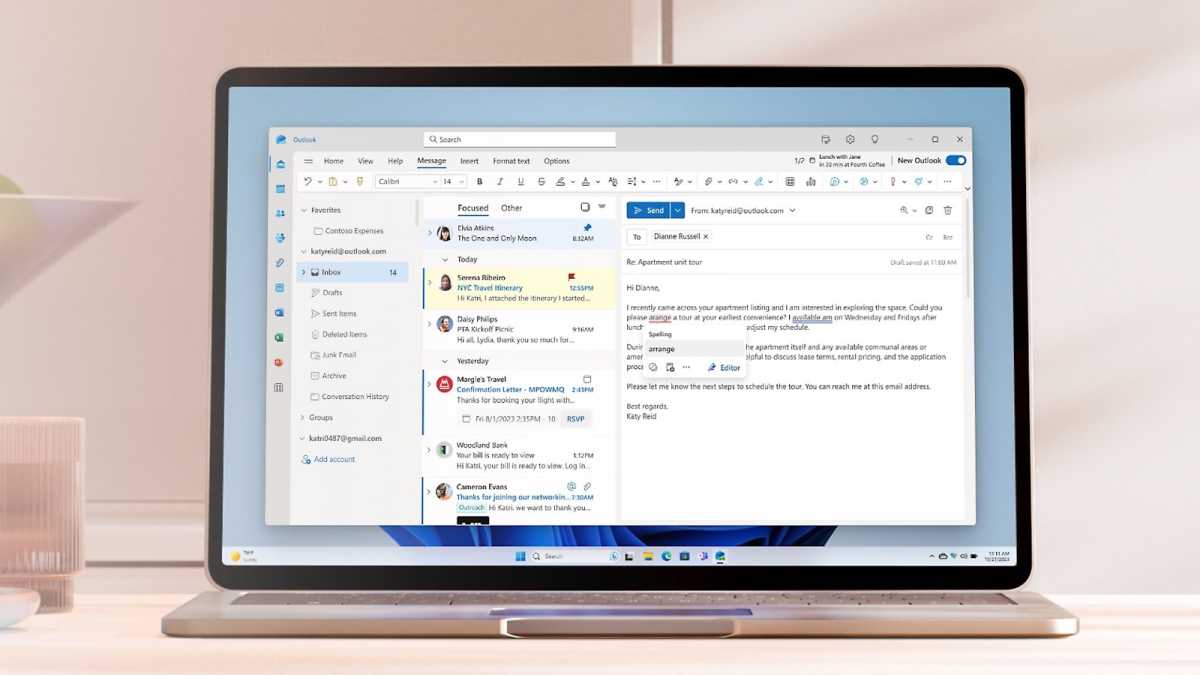
You know the password that unlocks your password manager. But do you also have your password to your email account memorized, too?
I always recommend that people commit these two passwords to memory. If you lose access to your password manager, you’ll avoid getting locked out of your email address. (Arguably, that’s worse than not having your password vault available.)
If your email account’s password is difficult to remember, consider changing it to a passphrase. (Six words long is recommended, and it should be randomly generated.) If not using a traditional password makes you nervous, also enable two-factor authentication. With such a combo in place, your account should remain secure.


